
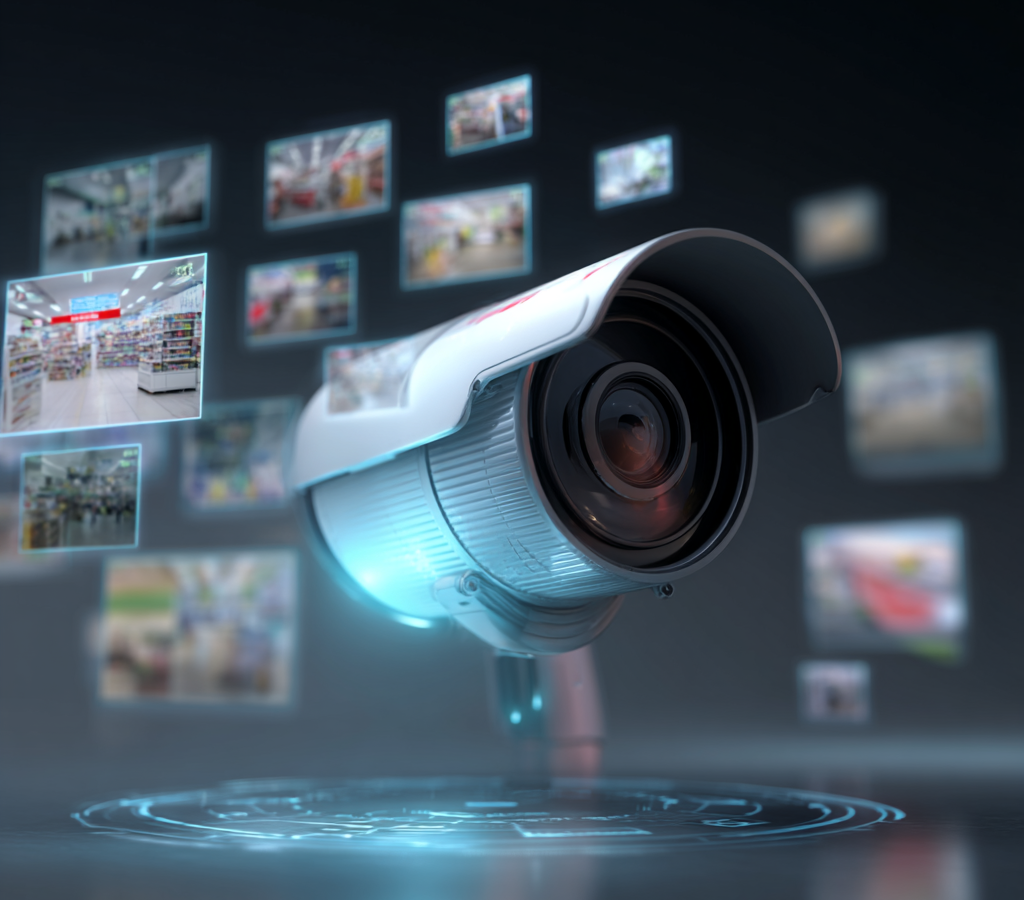
Mini security cameras used to follow a simple pattern. They recorded video. They sent that video to the cloud or to local storage. A person had to review the footage later. Even motion alerts were usually basic. A moving shadow could trigger them. A passing car could trigger them. Rain could trigger them too.
Local AI processing changes that model at the device level.
When a mini security camera can process data on the device, it no longer acts as a passive sensor. It starts to behave like a small decision system. That does not turn it into a perfect observer. It still depends on lens quality, light conditions, processing limits, and training data. The difference is more practical. The camera can now classify, filter, and react before the footage leaves the device.
That shift affects accuracy, speed, bandwidth, storage, privacy, power use, and the way people trust alerts.
The camera stops treating all motion as equal
In older mini cameras, motion detection usually relied on pixel change. If enough pixels changed between frames, the device flagged movement. This method was cheap and fast. It was also noisy. Curtains moved. Insects crossed the lens. Headlights flashed through a window. The system reacted to all of it with the same logic.
Local AI processing adds a layer of interpretation.
Instead of asking only whether something moved, the camera can ask what probably moved. It may distinguish a person from a pet. It may separate a parked car from a moving object. In some models, it can even identify whether a subject is approaching a doorway or simply crossing the edge of the frame.
This matters because false alerts damage the value of surveillance. After enough irrelevant notifications, users stop checking them. A camera with local AI does not eliminate false positives, though it can reduce the volume of useless alerts enough to make the system more usable in daily life.
Alerts arrive faster because fewer decisions depend on the cloud
Cloud-connected cameras depend on transmission. A clip or frame must be uploaded. The remote server must analyze it. The result must return as a notification. This chain works well under stable network conditions. It works less well when connection quality drops or bandwidth is limited.
Local AI shortens that chain.
A mini camera can detect an event on the device and send a simpler signal upstream. That means a person can receive an alert faster. It also means some actions can happen immediately. The camera can start high-priority recording. It can mark a segment for retention. It can trigger a light or alarm if the system supports automation rules.
The difference is especially visible in edge cases. Remote garages. Storage units. Back entrances. Temporary workspaces. Small business locations with unstable Wi-Fi do not always need full remote intelligence. They need quick event filtering at the point of capture.
Bandwidth use drops because the camera sends less unnecessary material
Mini cameras generate more data than many users expect. Continuous video, repeated uploads, and event-triggered clips add up quickly. In cloud-heavy systems, much of that data exists only because the device cannot decide what matters on its own.
Local AI reduces that waste.
If the camera can classify an event before upload, it does not need to send every motion fragment for external review. It can ignore routine movement. It can upload only flagged clips. It can attach metadata instead of full raw sequences in low-priority cases. This is useful in locations where upstream bandwidth is limited or expensive.
The gain is not only technical. Lower bandwidth use changes deployment options. Small cameras become easier to install in places where constant high-volume streaming would have been impractical.
Storage becomes more selective
Traditional mini camera setups often fill storage with repetitive footage. Empty corridors. Wind-driven branches. Hallways with no meaningful activity. The archive grows, but the useful ratio inside that archive stays low.
Local AI improves the usefulness of stored footage by changing what gets saved and how it gets indexed.
Instead of storing everything with equal weight, the system can mark segments by event type. A user may search for person events, package events, vehicle events, or after-hours movement, depending on the feature set. Some systems keep short pre-event buffers and longer post-event recordings only when AI criteria are met. This means storage does not just last longer. It becomes easier to review.
For mini security cameras, that is an important change. These devices are often used in environments where the operator is not a professional security team. The person reviewing clips may be a shop owner, a parent, a tenant, or a property manager. Better filtering reduces review time.
Privacy improves in some scenarios, though not automatically
Local AI is often described as a privacy upgrade. That claim is partly true.
If a camera can analyze video locally, fewer raw frames may need to leave the device. That lowers exposure during transmission and reduces dependence on remote processing pipelines. In sensitive environments, this matters. A user may prefer event metadata or local classification over full cloud analysis of indoor footage.
Still, local AI does not guarantee privacy by itself.
A device can process data locally and still upload large amounts of video. It can still retain face data. It can still sync events to mobile apps, vendor dashboards, or third-party services. Privacy depends on system design, retention settings, encryption, account controls, and vendor policy. Local processing helps, though it is not a full answer.
The practical change is simple. Users gain the option to keep more intelligence on the camera side, which was harder in older low-cost devices.
Power and hardware limits become more important
AI on the device sounds elegant until the hardware budget becomes visible.
Mini security cameras are small. They run on limited processors, limited memory, and often strict thermal constraints. Battery-powered models face even tighter limits. Local AI processing adds workload. That affects heat, battery life, and system cost. It also forces compromises in model size and complexity.
Because of that, local AI in mini cameras is usually narrow AI. It is optimized for specific tasks. Person detection. Vehicle detection. Zone crossing. Face match on a small watchlist. Object persistence. It is not broad reasoning. It is targeted classification under resource limits.
This creates a trade-off. Local AI makes the camera smarter in narrow ways, though those gains depend on careful tuning. A badly tuned model on weak hardware can become slow, inaccurate, or power-hungry.
The camera becomes part of an active security workflow
The biggest change is not visual. It is operational.
A mini security camera with local AI no longer exists only to document what happened. It starts to support what should happen next. It filters noise before it reaches the user. It prioritizes events. It helps decide which clips deserve attention. In some systems, it triggers automations without waiting for cloud confirmation.
That changes how the device is used. A small camera moves closer to a front-line monitoring tool. It remains limited by physics, hardware, and software design. It still misses things. It still needs human review in serious cases. Still, the workflow changes from passive recording to selective response.
That is the real shift.
When local AI processing appears in mini security cameras, the device stops being only a lens with storage. It becomes a compact edge system that interprets part of the scene in real time. The practical result is less noise, faster alerts, narrower data flow, and a more useful archive. For small-scale security, that can matter more than higher resolution or a longer spec sheet.